
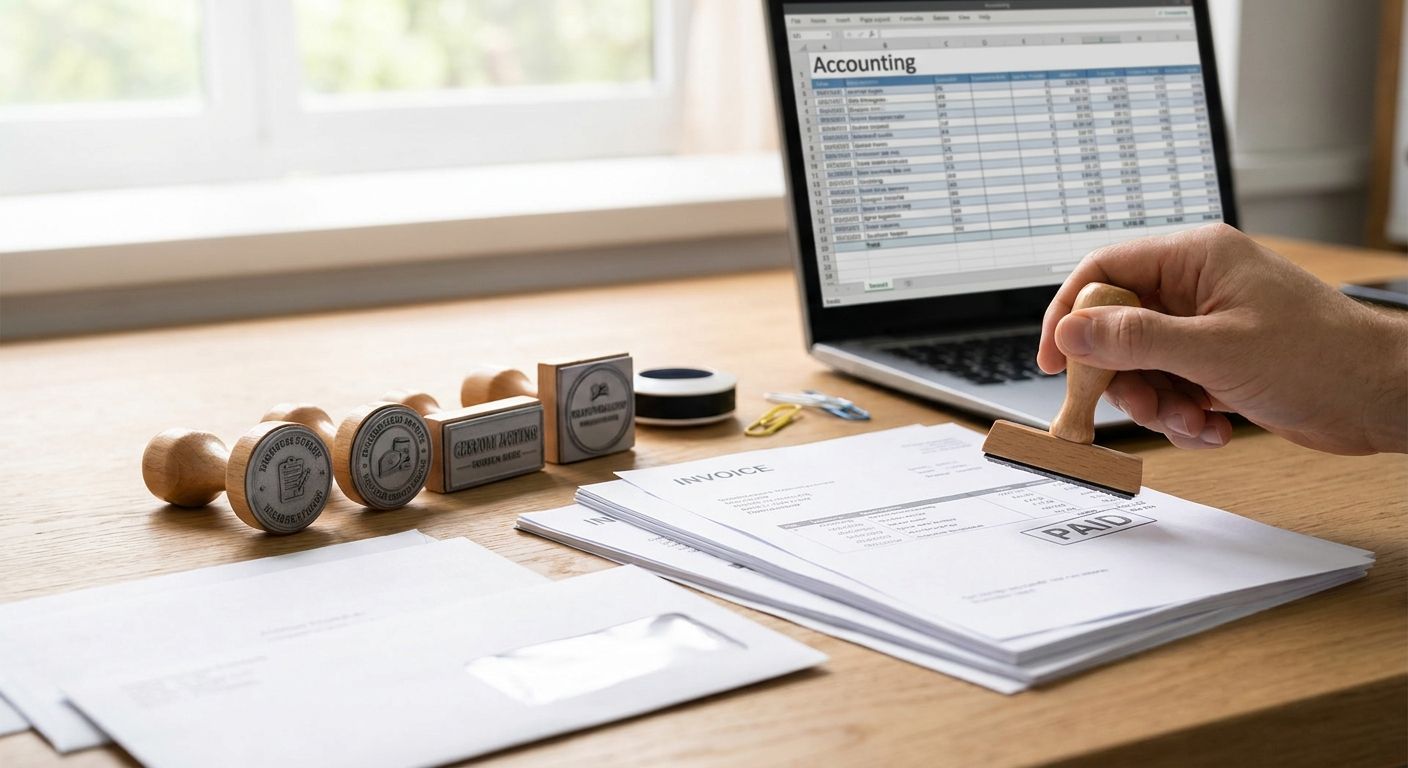
Custom stamps for small business invoicing are self-inking or pre-inked rubber stamps that print your business name, GST/HST number and payment terms directly onto paper invoices, receipts and packing slips so you don't retype the same details by hand. Toronto and GTA business owners handling their own bookkeeping need a stamp that survives daily use and stays legible on thermal paper, cardstock and carbon-copy invoice pads.
- Self-inking stamps win for daily invoicing in 2026 — buy one with a replaceable ink pad.
- Custom stamps for small business invoicing should carry your legal name, GST/HST number and payment terms.
- Pre-inked stamps cost more upfront but hold finer logo detail than self-inking models.
- Match your stamp design to your business cards and presentation folders for one consistent invoice package.
- Skip physical stamps entirely if more than half your invoices go out as PDFs.
Why custom stamps matter for small business invoicing
A stamped invoice looks finished. It also removes a manual step from every invoice you send in 2026 — writing out your GST/HST number, initialling a paid balance, or marking Rush on a job that needs same-day turnaround.
Small businesses that invoice by hand or from basic templates use stamps for three jobs: identity (business name and logo), compliance (tax number, remittance details) and status (PAID, OVERDUE, RECEIVED). That does not change whether you send five invoices a month or fifty a week. The stamp just has to survive more impressions.
Print Fast works with GTA business owners on the printed materials that sit beside that stamp — the cards, folders and stickers carrying the same logo to every client touchpoint. A stamp is only as consistent as the print around it.
Define what your invoice stamp needs to say
Write the exact text block before you order anything. A stamp die cannot be edited after it is cut, so a typo means buying a second stamp.
- Legal business name, exactly as it appears on your invoices
- GST/HST registration number, if you are registered
- Remittance address or e-transfer instructions
- Payment terms: Net 15, Net 30, Due on Receipt
- A status field like PAID, RECEIVED or COPY that you can hand-date
Suppliers under the CRA small supplier threshold are not required to register for GST/HST. Once you cross it and register, the number belongs on the invoices you issue — a stamp means you never forget it on a rush job.
Choose the stamp type
The four common formats behave very differently under daily invoicing volume.
- Self-inking stamps — spring-loaded, no separate pad, best for 20-plus impressions a day
- Pre-inked stamps — finer detail for logos, better for lower volume
- Traditional rubber stamp with a pad — cheapest to start, needs manual inking every use
- Digital stamp overlay — a logo or signature image dropped into a PDF invoice template
If you invoice on both paper and email, you need two of these, not one.
Match ink colour to legibility first
Ink colour is a legibility decision before it is a branding one. Black survives photocopies and scans; light colours fade to grey on a second-generation copy.
- Use black or dark blue for anything that gets photocopied, scanned or faxed
- Reserve brand-colour ink such as red or purple for status stamps like PAID
- Test on your actual invoice stock, not on plain printer paper
- Skip metallic and pastel inks on thermal receipt paper — they barely register
Set up your GST/HST and remittance details correctly
Getting this wrong means chasing corrections on invoices already sent. Confirm every number against your CRA account before the die is cut.
- Verify your GST/HST number is current and correctly formatted
- Add your business number only if clients request it for their own filing
- Include a remittance address only if you still accept mailed cheques
- Leave a blank line for a hand-written invoice number if the stamp has no sequential counter
Pair your stamp with matching invoicing materials
A stamped invoice next to a mismatched business card undercuts the professional look you are paying for. This is where the print side of the invoicing kit matters as much as the stamp.
- Send invoices and tax documents in custom presentation folders for accountants for retainer clients
- Use custom stickers for small business packaging to seal invoice envelopes or flag rush orders
- Keep logo, font and ink colour consistent across the stamp, letterhead and cards
- If invoices travel with product, match the sticker and stamp colours so the package reads as one brand
Print Fast runs same-day, 24-hour and rush turnaround on folders, stickers and cards across Toronto and the GTA — useful when an invoice has to leave the same day it is raised.
Match your invoice materials to your brand
Same-day and 24-hour printing for folders, stickers and business cards across the GTA.
Test and store the stamp properly
A stamp left in a drawer dries out. One left face-down on a desk marks everything under it.
- Store self-inking stamps cap-down so the pad stays against the die
- Keep pre-inked stamps capped between uses
- Test on scrap paper after any gap longer than two weeks
- Re-ink the pad when the impression starts breaking up, not after a client asks
Order a backup before the first one fails
Stamps fail without warning: a spring breaks, a pad dries solid, ink runs out mid-run. If your billing depends on a stamp, a spare costs less than the hours lost sourcing a replacement during invoice week.
- Order the backup in the same design and ink colour
- Keep it sealed and capped until the original fades
- Save the die size and artwork file so a reorder takes minutes
- Re-check the GST/HST number on the backup before first use
Stamp options for small business invoicing compared
| Option | Best for | Key limitation |
|---|---|---|
| Self-inking stamp | Daily invoicing, 20-plus impressions a day | Fixed ink colour until the pad is replaced |
| Pre-inked stamp | Fine logo detail at lower volume | Higher upfront cost, slower to re-ink |
| Rubber stamp with pad | Occasional use, multiple ink colours | Manual inking every use, more mess |
| Digital stamp overlay | Emailed PDF invoices | No physical mark, needs template software |
Verdict: a self-inking stamp carrying your business name, GST/HST number and payment terms is the right default for GTA small businesses invoicing on paper in 2026. Keep pre-inked stamps for logo-heavy artwork and digital overlays for clients you bill entirely by email.
“If more than half your invoices leave as PDFs, buy a digital overlay before you buy a rubber stamp.”
Common mistakes small businesses make with invoice stamps
- Ordering before confirming the GST/HST number — a wrong number means a new stamp, not an edit
- Choosing coloured ink for documents that get photocopied — it drops to unreadable grey on the second copy
- Skipping a backup — one broken spring stalls an entire billing run
- Ignoring the paper the stamp lands on — coated and glossy stock take ink very differently from uncoated
- Letting the stamp drift from the brand kit — a logo that does not match your cards or folders reads as an afterthought
FAQ
Order self-inking stamps from Print Fast: self-inking stamps at PrintFast.ca — same-day and 24-hour turnaround in Toronto.
What is the best custom stamp for small business invoicing?
A self-inking stamp carrying your business name, GST/HST number and payment terms is the best default for daily paper invoicing in 2026. It handles 20-plus impressions a day without a separate ink pad.
Is a self-inking stamp better than a pre-inked stamp?
Self-inking stamps win on volume and simplicity; pre-inked stamps win on fine logo detail at lower use. Choose on how many invoices you stamp per day, not on price alone.
Do I need my GST/HST number on my invoice stamp?
Yes, once you are registered for GST/HST the number belongs on the invoices you issue. Putting it on the stamp means it is never missed during a rush run.
How long does a self-inking stamp last?
A self-inking stamp runs for thousands of impressions before the pad needs replacing. Actual life depends on ink type, paper stock and whether the stamp is stored capped.
Can I use a custom stamp for e-invoices?
Physical stamps do not work on PDFs. Use a digital stamp overlay, a logo or signature image placed in your invoice template, for anything sent by email.
What should a small business invoice stamp include?
Include your legal business name, GST/HST number if registered, payment terms and a status field such as PAID or RECEIVED that you can hand-date. Add remittance details only if you take cheques.
How much does a custom business stamp cost in 2026?
Cost varies by stamp type, die size and ink colour, so request a quote rather than assuming a flat rate. Self-inking models generally sit below pre-inked models at the same size.
Should my invoice stamp match my business card design?
Yes. Matching logo, font and ink colour across the stamp, business cards and folders keeps every client touchpoint reading as one brand instead of three.
One last thing
Most small businesses order one stamp and never revisit the setup. The ones that stay ahead of billing errors order the backup in the same week as the first, so a dried pad never stalls invoicing in a busy month of 2026 — and the artwork file and die size are already saved when the design changes.