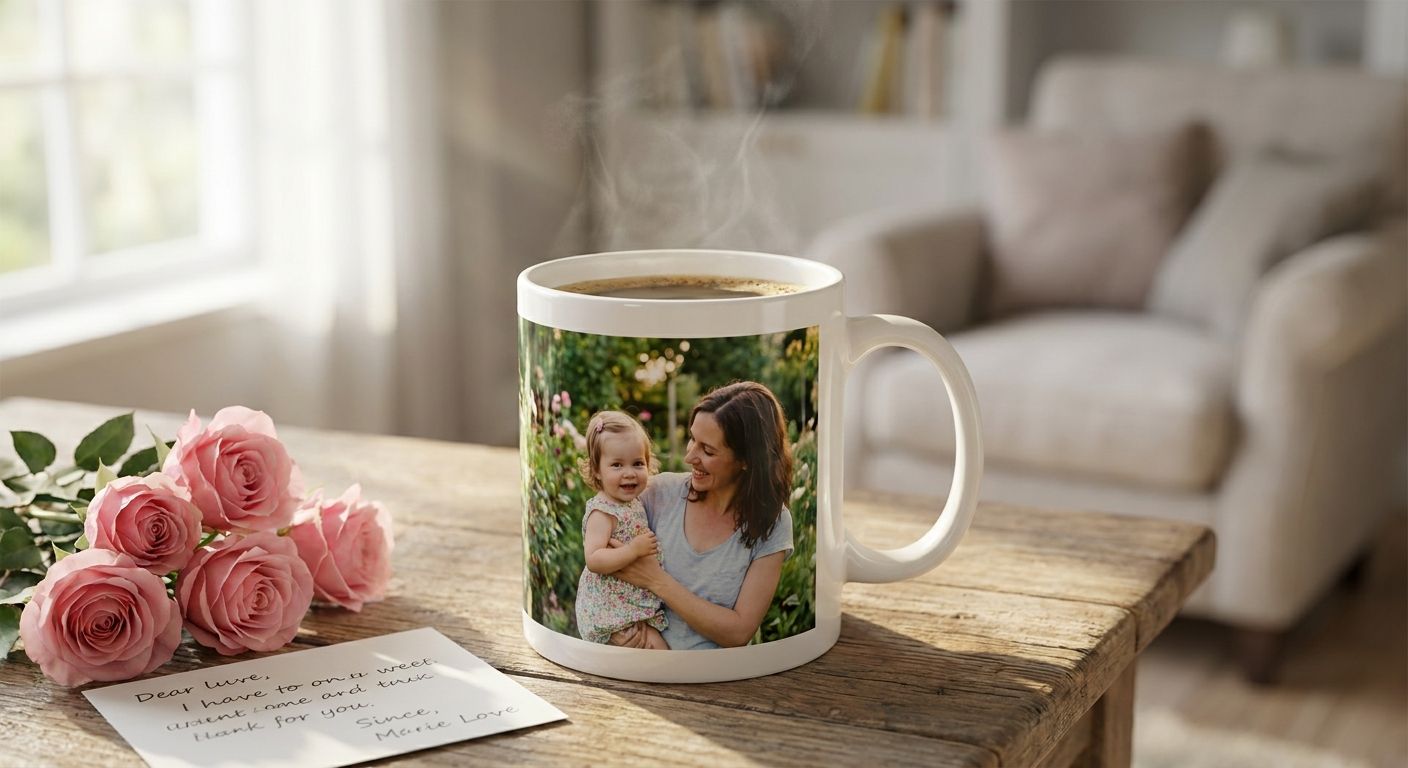
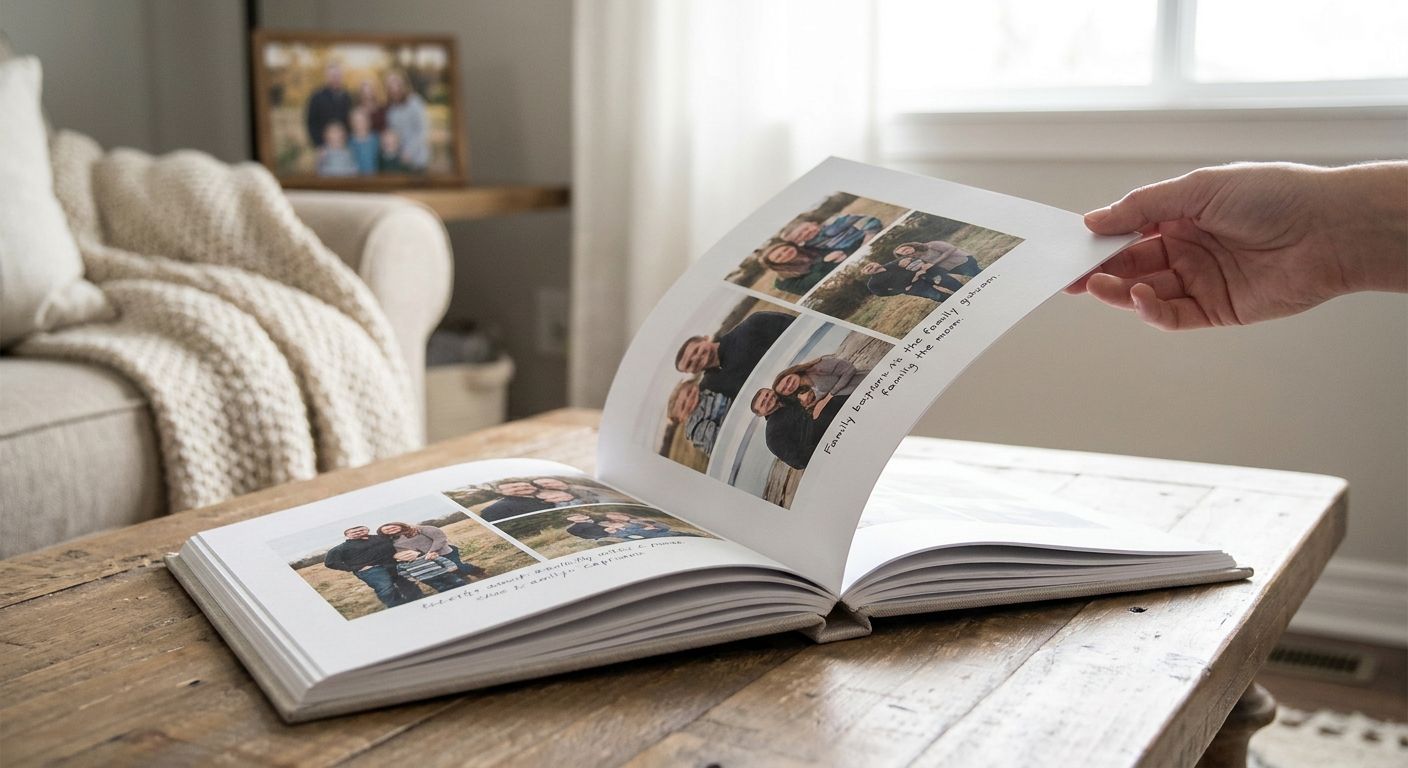
Custom photo books for family keepsakes are bound, printed albums built from your own digital photos, designed to hold a specific memory — a year, a trip, a childhood — in a form that outlasts a phone gallery. Families need something different from a generic photo book buyer: a book that survives being pulled off a shelf every holiday for the next twenty years, not a one-time gift that gets opened once and stored in a drawer. For a simpler format, photo calendars for family gifts use one image per month instead of a full book layout.
- Custom photo books work best for families when built around one theme and timeframe, not a full year of unsorted photos.
- 8x8 and 12x12 inch layflat books hold up to repeated handling better than standard softcover options.
- Print Fast's booklet printing covers bound multi-page projects in Toronto with same-day and 24-hour rush options.
- Order a second copy at the same time you print the first — reprints later require the original design file.
- Caption every photo with names and dates in 2026 — nobody remembers who's in the picture by the third generation.
Why custom photo books matter for families
Families don't shop for photo books the way a corporate buyer shops for a catalog. The search happens in a burst — a milestone trip just ended, a grandparent's birthday is three weeks out, a holiday deadline is closing in — and the project gets built and ordered inside that window, not browsed leisurely over months.
That's why the steps below are ordered to work under a deadline. A photo book with 40 unsorted years of family photos never gets finished; a photo book built around one trip, one child's first year, or one grandparent's 80th does. The families who actually finish a custom photo book pick a narrow theme before they open any design software.
If you'd rather skip the page-by-page layout entirely, a photo calendar covers the same sentimental-gift ground with a faster build — one photo per month instead of forty photos across sixty pages.
How to create a custom photo book
Choose your theme and timeframe
Pick the narrowest version of the story you can still tell in one book. "Our family in 2026" is too broad. "Emma's first year" or "the road trip to Nova Scotia" is a book that gets finished.
- Name the event, year, or person the book is built around before touching any photos
- Set a hard page-count target (20, 40, or 60 pages) before you start pulling images
- Decide who the book is for — a gift copy needs a different opening page than a keep-at-home archive copy
- Pick one timeframe boundary and stick to it, even if better photos exist outside it
Cull and organize your photos
Most families have thousands of phone photos and maybe 40-60 that actually belong in a book. Cull hard before you design anything.
- Pull every photo tagged to the event, date range, or person into one folder first
- Delete duplicates, blurry shots, and near-identical bursts — keep the sharpest one per moment
- Check resolution: anything under roughly 300 dpi at the printed size will look soft on the page
- Sort into a rough chronological or thematic order before opening any design tool
- Flag 5-10 "hero" photos for full-page or two-page spreads
Choose page count and book size
Size and page count decide how the book feels in someone's hands, not just how it looks on a screen. An 8x8 inch book reads as a casual keepsake; a 12x12 inch book reads as a coffee-table piece.
- 8x8 inch, softcover or hardcover, for a compact gift copy
- 8.5x11 inch for a book meant to sit on a shelf and get pulled down often
- 12x12 inch for a milestone project — a wedding year, a big anniversary, a family reunion
- Layflat binding for any spread where a photo crosses the center gutter
- Round page count up to the next print-run increment your chosen platform or shop uses, rather than trimming a good photo to hit an exact number
Design the layout
Grid layouts (uniform photo sizes, consistent margins) are faster to build and read cleaner for large families with lots of contributors. Storytelling layouts (mixed sizes, full-bleed spreads, pull quotes) take longer but carry more weight for a single milestone.
- Use a grid layout for anything covering multiple events or a full year
- Use full-bleed, two-page spreads only for your 5-10 hero photos
- Keep margins consistent across every page — inconsistent margins are the fastest way to make a book look homemade in the wrong sense
- Leave white space near captions; a caption crammed against a photo edge is hard to read
Write captions and dates
A photo book without names and dates is a puzzle for the next generation, not a keepsake. Caption while the memory is still fresh, not months later.
- Add a first name, date, and location to every photo that isn't self-explanatory
- Write one longer caption per hero spread — a sentence, not a paragraph
- Include relationship labels for family members who won't be recognized outside the immediate family
- Date the book itself on the cover or title page — "2026" on the spine saves confusion in ten years
Proof before you print
Every photo book platform and every print shop will tell you the same thing: proof on a screen, then proof again on paper if the option exists, before you commit to a full run.
- Check every page for stretched or pixelated images at full-bleed size
- Confirm spelling on every caption and name — typos are permanent once printed
- Check that photos crossing the gutter align correctly on a layflat spread
- Verify color on a calibrated screen if the platform allows a soft-proof preview
Choose your print option
This is where families split into two groups: DIY-through-an-app, or handing the finished file to a local print shop. Both work — the right choice depends on turnaround, trim size, and how many identical copies you need.
For anything outside a standard consumer template — an oversized trim size, a rush copy before a holiday, or several identical copies for siblings — Toronto families can send a finished design straight into custom booklet printing and request a custom quote. Print Fast runs same-day and 24-hour rush options on bound print jobs in 2026, which matters when the deadline is a birthday three days away, not three weeks away.
Get a custom quote for a bound family photo book
Same-day and 24-hour rush options for bound print jobs in Toronto.
Preserve and gift the finished book
Once it's printed, the job isn't done — a keepsake only stays a keepsake if it survives handling and gets a backup.
- Order at least one extra copy at the time of the first print run; reprints later need the original file, not the finished book
- Store the design file (not just the printed book) somewhere backed up outside your phone
- Wrap gift copies in tissue, not shrink wrap, if the book will be handled and reopened repeatedly
- Label the spine with the year and theme so it's identifiable on a shelf next to other family books
Comparing your options for a family photo book
| Option | Best for | Key limitation |
|---|---|---|
| DIY photo book app | Families designing at home on their own schedule | Templates cap trim size and binding choices |
| Retail pharmacy kiosk | A single softcover copy picked up same day | Softcover only, low page counts, limited paper stock |
| Professional photo book service | High-end leather-bound wedding or anniversary albums | Turnaround runs weeks, not days |
| Local print shop custom quote | Rush copies, oversized trims, or multiple identical copies | Requires the design file finished and proofed before quoting |
Print Fast is the better fit for Toronto families who need a rush copy, an unusual trim size, or several identical books; a DIY app is fine for one copy without a fixed deadline.
“The best family photo book isn't the one with the fanciest cover — it's the one somebody actually opens twice.”
Common mistakes families make with photo books
- Building the book chronologically instead of thematically — a full year of mixed events reads as clutter; one trip or one milestone reads as a story
- Skipping captions — a photo book with no names becomes a guessing game for grandchildren in twenty years
- Using screenshots instead of original files — screenshots strip resolution and print soft and blurry at full-bleed size
- Ordering exactly one copy — a dropped, water-damaged, or borrowed-and-not-returned book with no backup means starting the whole project over
- Starting the week of the gift deadline — layout and captioning take longer than expected; build in time for a proof pass before committing to a rush print
FAQ
What size should a custom photo book be for a family keepsake?
8x8 inch works for a compact gift copy and 12x12 inch works for a milestone project meant to sit on a shelf. Pick the size based on how often the book will be handled, not just how many photos you have.
How many photos go in a custom photo book?
Most family keepsake books run 40-60 photos across 20-40 pages. More than that and the book starts to feel like clutter instead of a story.
Is a photo book different from a photo calendar?
Yes — a photo book tells one continuous story across many pages, while a photo calendar spreads one photo per month across a full year. Families who want a faster build with less layout work often choose a photo calendar for family gifts instead.
How much does a custom photo book cost in 2026?
Cost depends on trim size, page count, cover material, and binding, and varies by provider. Request a custom quote once your design is finished for a firm number rather than estimating from a template price.
What resolution do my photos need to be for printing?
Aim for roughly 300 dpi at the size the photo will print. Anything lower, especially phone screenshots, will look soft or pixelated on a full-bleed spread.
Can I get a photo book rushed before a holiday?
Yes, if the design file is finished and proofed ahead of time. Print Fast runs same-day and 24-hour rush turnaround on bound print jobs in Toronto, which covers a last-minute holiday deadline.
Should I order more than one copy of a family photo book?
Order at least one extra copy in the same print run. Reprinting later requires the original design file, which not every family keeps backed up.
What's the biggest mistake families make designing a photo book?
Trying to cover a full year or an entire family history in one book. Books built around one narrow theme or timeframe get finished; broad ones usually don't.
One last thing
The detail that gets skipped most often isn't the cover or the layout — it's the caption. A photo book without names, dates, and relationships attached is a puzzle for whoever inherits it. Spend the extra ten minutes per page captioning while the memory is still fresh in 2026; it's the difference between a book that gets opened once and one that gets opened for the next fifty years.
Order booklet and photo book printing from Print Fast: booklet and photo book printing at PrintFast.ca. Need a price first? Submit a custom quote request.