
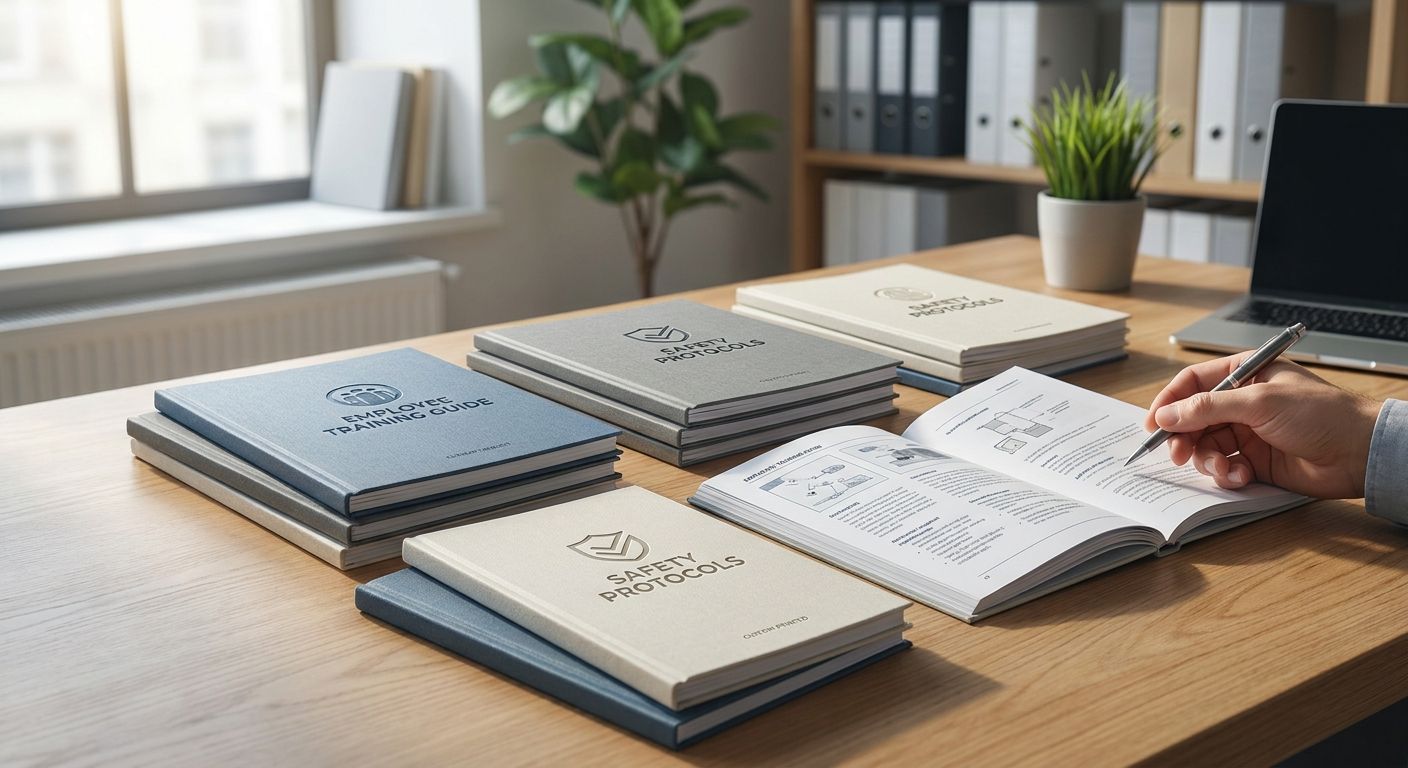
Custom booklet printing for training manuals is the process of turning onboarding, compliance and product-training content into a bound, page-numbered booklet employees keep at their desk instead of a stack of loose printouts. Training teams need a different spec than a wedding program or a restaurant menu: durable binding, consistent page order, and a turnaround window that lines up with a new-hire start date, not a marketing launch.
- Saddle-stitched booklets under 48 pages are the standard format for onboarding and training manuals in 2026.
- Custom booklet printing works best when artwork is locked before ordering — revisions after printing cost a reprint, not an edit.
- Print Fast offers Same Day and 24Hr turnaround on the printfast.ca homepage for training teams working against a start date.
- Perfect binding suits manuals over 60 pages; saddle stitching suits anything under 48 pages and costs less to reprint.
- Order one proof copy before committing to a full training-manual print run.
Why custom booklet printing matters for training teams
A training manual that lives as a shared PDF gets skimmed once and forgotten. A bound booklet gets carried into the room, marked up, and referenced during the shift. That difference matters more for training content than for almost any other print category, because training material has a hard deadline attached to it — a start date, a certification cycle, a compliance audit.
Toronto and GTA businesses running structured onboarding usually order booklets in batches tied to hiring cohorts, not on a fixed calendar. That means the print vendor's turnaround options — 1Hr, Same Day, and 24Hr — matter as much as the binding style. A manual that's ready three days after the new hire's start date is a manual nobody used on day one.
Update your page count and binding before you quote anything
Page count decides binding method, and binding method decides how the booklet survives daily handling. Get this locked before requesting a quote.
- Count final pages in multiples of 4 (saddle stitching requires this)
- Decide if appendices (forms, checklists) belong in the manual or as loose inserts
- Flag any full-bleed images or tables that need extra margin
- Confirm whether the manual needs a index or divider tabs
- Separate "core content" pages from "update-often" pages — the latter should sit at the back
Choose a trim size and cover stock that survive a training room
Standard letter-size (8.5" x 11") booklets photocopy easily for reference but are bulkier to carry. Half-letter (5.5" x 8.5") fits a binder pocket and feels more like a field manual.
- Half-letter for handheld or field-reference manuals
- Full letter for manuals with tables, diagrams or forms that need full-page space
- A heavier cover stock than the interior pages protects against handling wear
- Matte or uncoated interior stock takes pen and highlighter marks better than gloss
- Avoid glossy covers if the manual gets stacked in a binder — they scuff and slide
Build print-ready artwork with page order locked
Booklet printing fails most often at the file stage, not the press. A single misordered page in a saddle-stitched file throws off every spread after it.
- Export as a single PDF with pages in final reading order, not printer's spreads
- Set bleed to at least 0.125" on any page with edge-to-edge color
- Embed all fonts before export — missing fonts substitute silently
- Number every page, including blank ones, so gaps show up in proofing
- Keep a locked "final" file name so nobody prints an earlier draft by mistake
Measure your turnaround against the hiring or training calendar
Most training-manual delays trace back to ordering after content is "basically done" instead of after content is frozen. Build in a buffer.
- Map the print order date backward from the first day the manual is needed
- Add one day for proofing even on rush orders
- If content changes seasonally (policy updates, pricing, compliance rules), separate that content into a supplement rather than reprinting the whole manual
- For urgent cohorts, Same Day and 24Hr printing covers manuals ordered after a last-minute hire is confirmed
- Batch multiple cohorts into one print run when start dates fall within the same week to cut per-run setup time
Proof one copy before the full run prints
A single physical proof catches binding-direction errors, wrong trim, and color shifts that a PDF preview never shows. Skipping this step is the single most common reason training teams reorder.
- Check that pages read in order after binding, not just in the file
- Confirm the cover text isn't trimmed too close to the edge
- Read at least one full section aloud to catch missing pages
- Check that any QR codes or barcodes scan correctly once printed
- Sign off in writing before the full quantity goes to press
Order the print run and set a reorder trigger
Once the proof is approved, order the quantity you need for the current hiring or training cycle — not a year's supply of content that will change.
- Order in batches matched to hiring cohorts, not annual estimates
- Keep the print-ready file on hand so a reorder doesn't require rebuilding artwork
- Track a simple reorder point: when stock hits one cohort's worth, reorder
- Confirm delivery method — local Toronto delivery removes the pickup step for GTA offices
- Route to Custom Quotes for orders over a few hundred units, where per-unit specs (paper, binding) shift the setup
Get a custom quote for training booklets
Same Day and 24Hr turnaround available for Toronto and GTA orders.
Booklet options compared for training manuals
| Option | Best for | Turnaround | Key limitation |
|---|---|---|---|
| Saddle-stitched booklet | Manuals under 48 pages | Same Day / 24Hr available | Can't lay fully flat past ~40 pages |
| Perfect-bound booklet | Manuals over 60 pages, thicker manuals | Longer lead time than saddle stitch | More expensive setup per run |
| Wire-o bound booklet | Manuals that need to lay flat on a desk or bench | Standard turnaround | Bulkier to ship or mail |
| Loose-leaf in a binder | Content that changes monthly | No reprint needed for updates | No cohesive "booklet" feel, pages go missing |
Verdict: saddle-stitched booklets under 48 pages are the right default for most onboarding and training manuals in 2026 — cheap to reprint when content updates, quick to bind, and durable enough for a training room.
Common mistakes training teams make with booklet printing
- Printing before content is frozen. A manual ordered while a policy section is still "almost final" gets reprinted within a month.
- Ignoring page-multiple rules for saddle stitching. A 47-page file forces a blank page or a redesign at the press — plan in multiples of 4 from the start.
- Skipping the physical proof. Screen previews hide binding-direction and trim errors that only show up on paper.
- Treating every update as a full reprint. Frequently-changing content (pricing, compliance dates) belongs in a removable insert, not baked into the bound pages.
- Ordering a full year's supply upfront. Training content changes; batch print runs to hiring cohorts instead of guessing annual volume.
FAQ
What's the best binding for a training manual?
Saddle stitching is the best binding for training manuals under 48 pages because it's fast to produce and cheap to reprint when content changes. Manuals over 60 pages need perfect binding or a wire-o spine to hold up to daily handling.
Is custom booklet printing better than a shared PDF for onboarding?
A printed booklet gets referenced during a shift in a way a shared PDF rarely does, especially in training rooms without a screen at every seat. PDFs still make sense for content that changes weekly and doesn't justify a reprint.
How fast can a training booklet be printed?
Print Fast offers Same Day and 24Hr turnaround for Toronto and GTA orders through printfast.ca, which covers most last-minute hiring cohorts. Larger runs or custom binding may need a longer lead time — confirm through a custom quote.
What page count works best for a training manual booklet?
Keep the count in multiples of 4 for saddle-stitched booklets — 8, 24, or 48 pages are common training-manual lengths in 2026. Manuals running past 60 pages are better served by perfect binding.
Should training manual updates trigger a full reprint?
Only if the update touches the core content. Frequently-changing sections like pricing or compliance dates should sit in a removable insert so the bound booklet doesn't need reprinting every quarter.
What paper stock holds up best for training booklets?
A heavier cover stock than the interior pages protects the booklet through daily handling, and matte or uncoated interior stock takes pen and highlighter marks better than gloss. Gloss covers scuff quickly when stacked in a binder.
Can a training booklet be ordered in small batches?
Yes — ordering in batches matched to hiring cohorts avoids printing a year's supply of content that will change. This also keeps the print-ready file current for quick reorders.
Does local delivery matter for training booklet orders?
For Toronto and GTA offices, local delivery removes the pickup step and shortens the time between proof approval and booklets landing on desks. It matters most on Same Day or 24Hr rush orders where every hour counts.
One last thing
The manuals that get used past week one are the ones with a removable insert for anything that changes — pricing tables, compliance dates, org charts. Bake that content into the bound pages and the whole booklet becomes obsolete the moment one line item changes; separate it out and the core manual can run through several hiring cycles in 2026 without a reprint.